A quick tour of the three screens your staff will use most.
Signing in
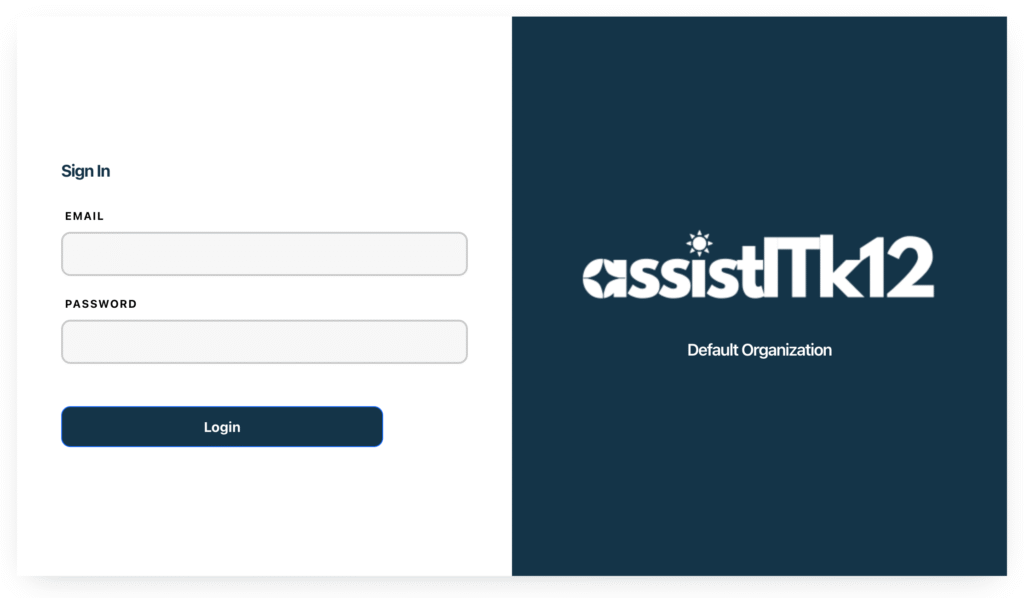
The AssistITk12 login page is clean, secure, and user-friendly, giving staff and technicians quick access to the system. You sign in with your email and password, and role-based permissions control what you see once you’re in.
The dashboard
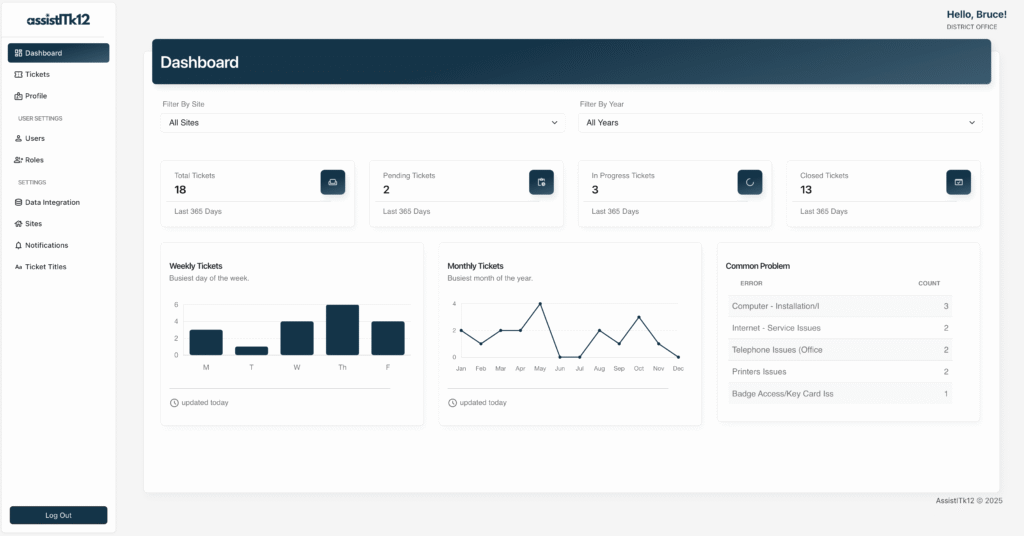
The admin dashboard gives your IT team real-time visibility into help desk operations:
- Ticket volume trends, so you can spot peak periods and common issues
- Technician performance metrics, including resolution times and workload allocation
The tickets list
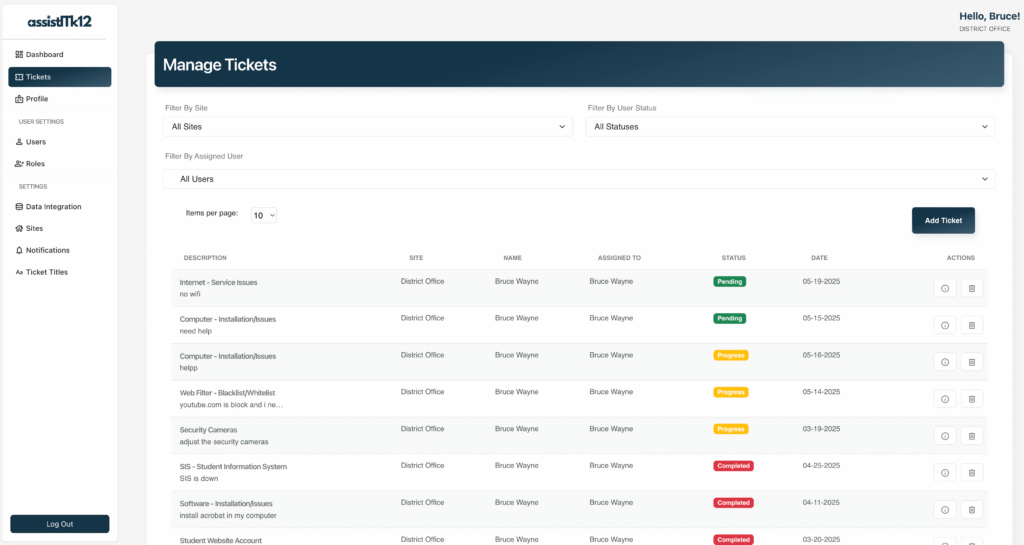
Every user gets a clear, organized view of their submitted requests. Each entry shows:
- Status
- Priority
- Category
- Last updated
You can filter, sort, and search across tickets, and open any one of them to see its full history — updates, comments, and resolution details.
Next steps
- Ready to submit your first request? See How to Create a New Ticket.
- New to the admin role? Read How District Admins Access the System.